Music Prompts & Style Tags for AI Song Generation
Suno and Google are only the beginning. Stop guessing. Start engineering. Master structured syntax to build the best music prompts possible across every model.

Structure vs. Luck
Most creators spend their time vibe prompting—just throwing words at the wall and hoping for a hit. It’s basically gambling with your sound.
At Tag a Song, we focus on prompt engineering, using specific meta-commands to make the AI follow professional song structures. To get pro-grade arrangements, you have to understand how different styles and genres work together to trigger the right sounds. When you learn the logic, you move from random guessing to intentional production.
You wouldn’t build a house without a blueprint. We help you build the best AI music prompts possible so you can stop gambling and start producing.
take it to the studio
FREE Suno Guide PDF
Keep the complete two-zone workflow and tag syntax cheat sheet open on your second monitor or saved to your phone.
Frequently Asked
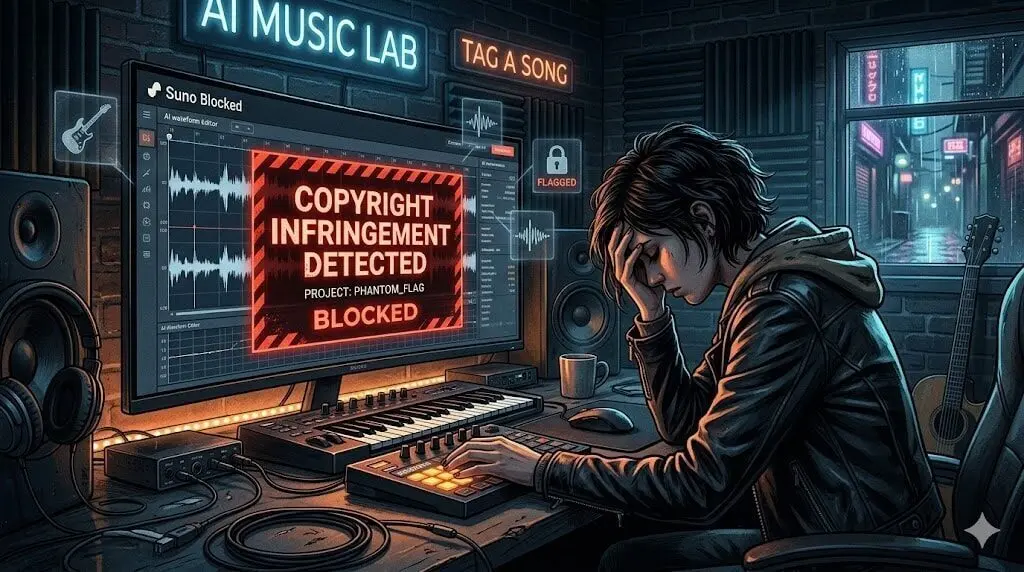
Suno safety filters can trigger false positives on artist names or certain style tags. Use our free Suno prompt generator to convert artist references into safe style descriptors instantly, or read our complete Suno copyright bypass guide for step-by-step troubleshooting.
Consistency requires clear tagging. We recommend a two-zone structure: keep your Styles Box clean (comma separated with no brackets) and place your structural and vocal modifiers inside square brackets within the lyrics. If you have a Suno Pro account, you can lock in the vibe of your favorite tracks. Create a Voice from a song you love (click here to learn how), then use it as a blueprint for all your future renders.
Yes, as long as you hold a valid paid license for your AI music tool. Our approach focuses on prompt syntax integrity to give you the best possible starting arrangement, but the final output needs a polish before it’s release-ready. AI music is notorious for “muddy” mixes and technical artifacts—the small, robotic glitches that show up on big speakers. We are currently building our Master Console to automatically audit your renders and pinpoint exact cleanup areas. Create a free account today to get early access and we’ll notify you as soon as the tool goes live!
Stop treating AI music tools like a chatbot and start treating them like a compiler. To get reliable results, you must input structured commands rather than conversational text. Start with the mechanical requirements: define your Genre, Era, and BPM first—these are the rules for your project. Don’t use vague language that leads to unpredictable results. Instead, use specific codes from our AI Music Prompt & Style Tag Library. If you prefer a conversational starting point, always run your ideas through our Suno tag generator first to translate your concepts into the technical syntax that Suno understands. By treating your music prompts as instructions rather than a chat, you stop wasting credits and start generating professional-grade tracks consistently.
Absolutely. Whether you are feeding prompts into Suno, Udio, or Stable Audio, our AI Music Prompt Generator provides the consistent structural output—the Lyrics and Style boxes—needed to maintain instruction fidelity across different models.

![Simple Suno Guide: Comparing pink [Lyrics Tags] to orange Style Tags neural network signal paths.](https://tagasong.com/wp-content/uploads/2026/03/simple-suno-manual-lyrics-styles-syntax.webp)